Tools
Tools
Built-in utilities you can reach at any time — a chromatic tuner that mutes the rig to a clean signal, a practice metronome that stays out of your recordings, and one-key recording of the processed output.
Tuner (T)
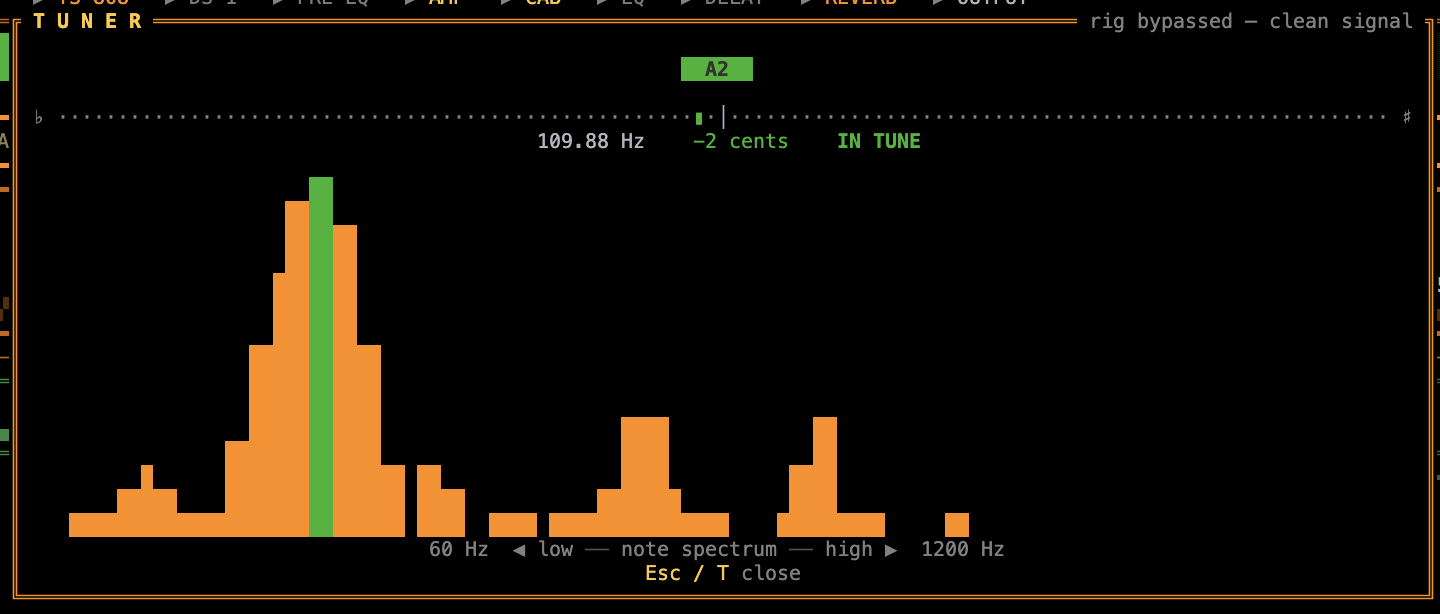
Press T to open the chromatic tuner. While it's open the entire rig is bypassed — every pedal, the amp, and the cabinet are taken out of the path and the dry guitar passes straight to the output, so you hear (and tune against) a clean signal. Pitch is estimated with the McLeod normalised square-difference function (NSDF), accurate to a few cents.
The tuner shows:
- The detected note — large, with its octave (e.g.
E2), green when in tune. - A ±cents needle —
♭ ◄ … centre … ► ♯. Left when flat, right when sharp; green within ±5 cents, amber within ±15, red beyond. - A verdict —
IN TUNE,TUNE UP ▲(flat), orTUNE DOWN ▼(sharp), plus the raw frequency in Hz. - A live note spectrum — a log-spaced magnitude display from ~60 Hz to ~1.2 kHz, with the played fundamental highlighted.
Metronome (M)
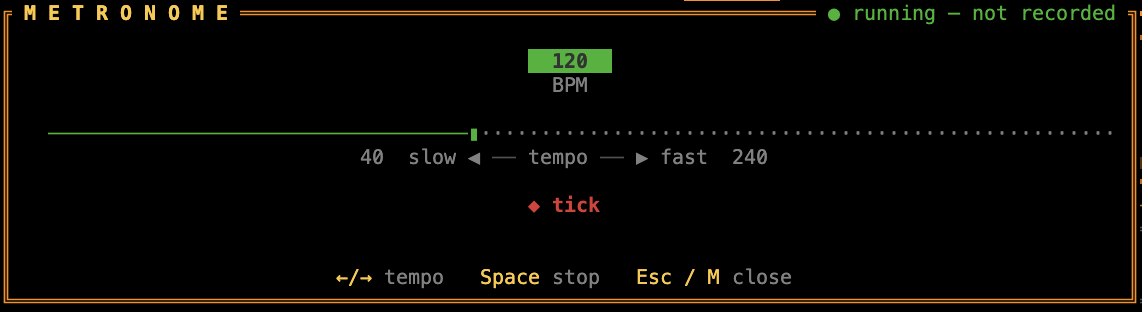
Press M to open the practice metronome. It plays a steady click through your monitor so you can lock in your timing while you play — the rig stays fully live, so you keep hearing your tone alongside the beat.
The modal shows:
- The current tempo — a big BPM readout that turns green while the click is running.
- A tempo slider — from 40 to 240 BPM. Adjust it with ← / → (or ↑ / ↓), one BPM at a time.
- A start/stop toggle — Space (or Enter) turns the click on and off.
The metronome keeps ticking after you close the modal, so you can dial in a tempo, press Esc / M, and play along with the full board and meters on screen. Re-open it any time to change tempo or stop the click.
Recording (R)
Press R to start recording. The header switches from ○ OFF AIR to a blinking ● ON AIR indicator next to POWER ON. Press R again to stop — the file is written immediately and the saved path is shown briefly in the footer.
Recordings capture the fully-processed signal (after the entire effects chain and output limiter) as a 32-bit float stereo WAV at the same sample rate as your audio interface — the full multi-mic cab spread and stereo effects are preserved. Files are named rusty-amp-<unix-timestamp>.wav and saved to your home directory (~/).